Scanner

Agentless SBOM & Software Inventory Scanner

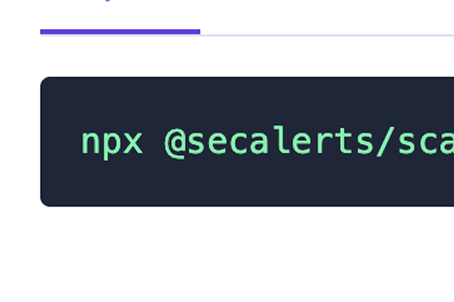
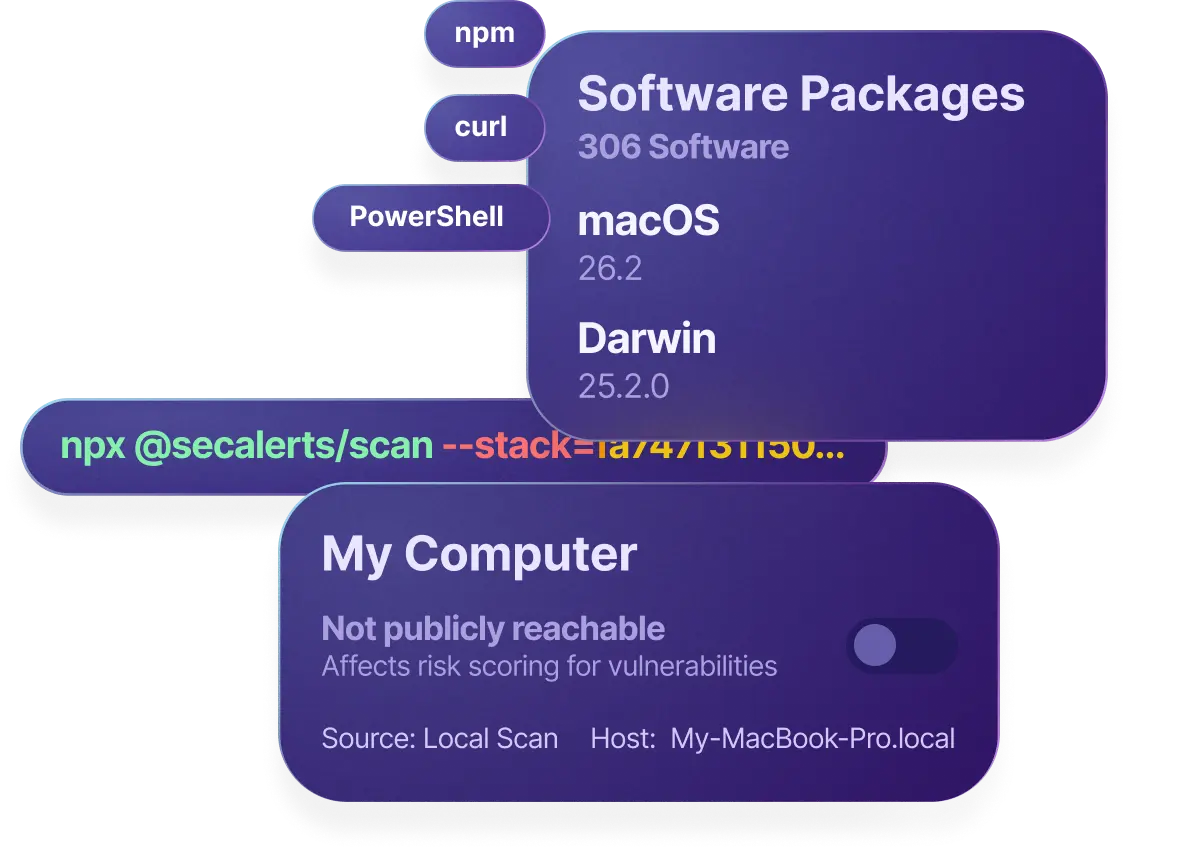
Run SBOM-generating scripts via NPM, Bash, or PowerShell. Software is automatically sent to SecAlerts for vulnerability matching.
See it in action

Watch how it works

secalerts.co

Key Benefits

Zero Install Required

Zero Install Required

Run our lightweight scripts without installing agents or software on your endpoints.
Multiple Platforms

Multiple Platforms

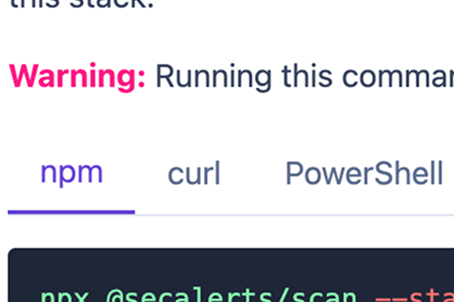
Support for Windows (PowerShell), Linux/macOS (Bash), and Node.js environments.
Automatic Upload

Automatic Upload

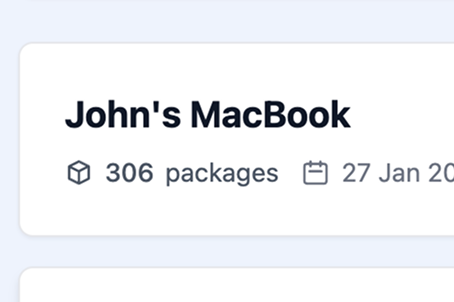
Scanned software is automatically sent to SecAlerts and matched against vulnerabilities.
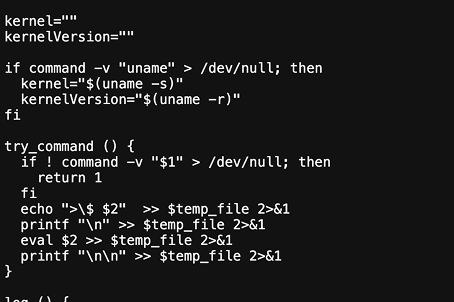
Transparent & Auditable

Transparent & Auditable

All scanner code is open and easy to read. Audit it before running.

How It Works

1

Choose your scan method

Select from NPM script, curl | bash, or PowerShell based on your environment.

2

Run the command

Copy and paste the command into your terminal. No installation required.

3

Software is detected

The scanner identifies installed packages, applications, and dependencies.

4

Results sent to SecAlerts

Your software inventory is automatically uploaded and matched against CVEs.

Features

NPM package scanning

Detect all npm packages in your Node.js projects

System package detection

Find installed packages on Linux, macOS, and Windows

Application discovery

Identify installed applications and their versions

Scheduled scans

Set up automated recurring scans

CI/CD integration

Add scanning to your build pipeline

Open source scripts

Review and audit all scanner code

Use Cases

Quick Security Audit

Run a one-time scan to quickly assess the security posture of a system or project.

Continuous Monitoring

Schedule regular scans to keep your software inventory up to date automatically.

CI/CD Pipeline

Integrate scanning into your deployment pipeline to catch vulnerabilities before production.

Ready to get started?

Start your free 30-day trial today. No credit card required.

Frequently Asked Questions

Is it safe to run scripts from the internet?
We understand the concern. Our scanner code is designed to be readable and auditable. We encourage you to review the source before running.
What platforms are supported?
We support Windows (PowerShell), Linux (Bash), macOS (Bash), and any environment with Node.js.
Does the scanner require admin/root access?
No, the scanner runs with user-level permissions. It only reads installed software information.
How often should I run scans?
We recommend running scans after any software changes, or scheduling daily/weekly automated scans.

Contact

SecAlerts Pty Ltd.
132 Wickham Terrace
Fortitude Valley,
QLD 4006, Australia
info@secalerts.co
By using SecAlerts services, you agree to our services end-user license agreement. This website is safeguarded by reCAPTCHA and governed by the Google Privacy Policy and Terms of Service. All names, logos, and brands of products are owned by their respective owners, and any usage of these names, logos, and brands for identification purposes only does not imply endorsement. If you possess any content that requires removal, please get in touch with us.
© 2026 SecAlerts Pty Ltd.
ABN: 70 645 966 203, ACN: 645 966 203